Most people only use about 30–40% of what their phone can actually do.
The rest? Hidden features that can save time, protect your privacy, and make everyday life easier — if you know where to look.
🔍 1. Back Tap Shortcuts (iPhone)
⚠️ Works on iPhone 8 and newer
⚠️ Back Tap requires iOS 14 or later
- ⚙️ How to Check Your iOS Version -Go to: Settings → General → About → iOS Version
- How to Update (if needed): Settings →General→ Software Update →Download & Install


Tap the back of your phone to trigger actions like:
- Screenshot
- Open apps
- Turn on flashlight

📍 Path: Settings → Accessibility → Touch → Back Tap
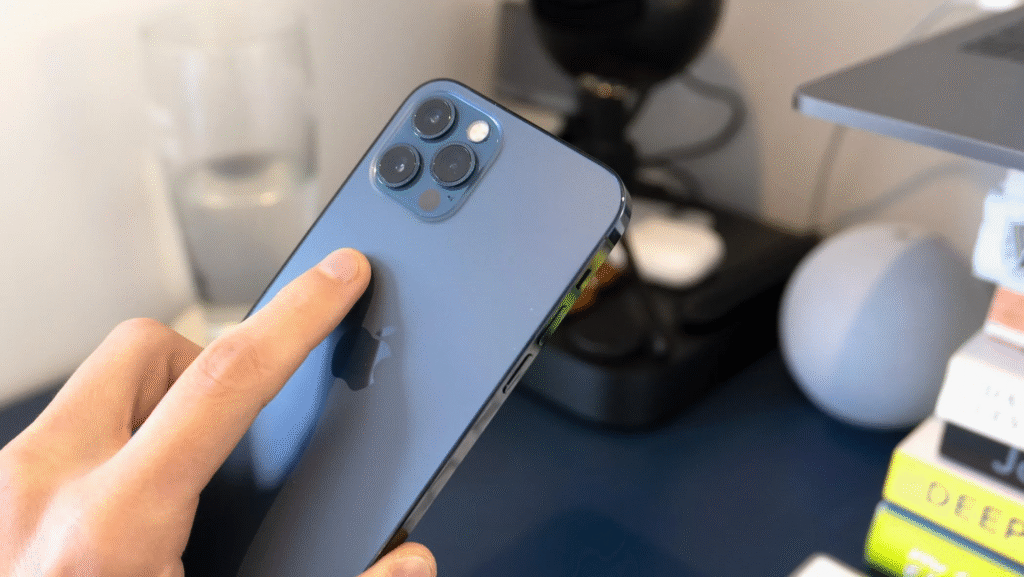
Where you physically tap
- Tap on the back of your iPhone
- Best spot: around the Apple logo (center area)
- You can:
- Double tap (2 taps)
- Triple tap (3 taps)
- 💡 It doesn’t have to be exact — the phone detects the vibration.
🎯 2. Focus Modes (iPhone & Android)
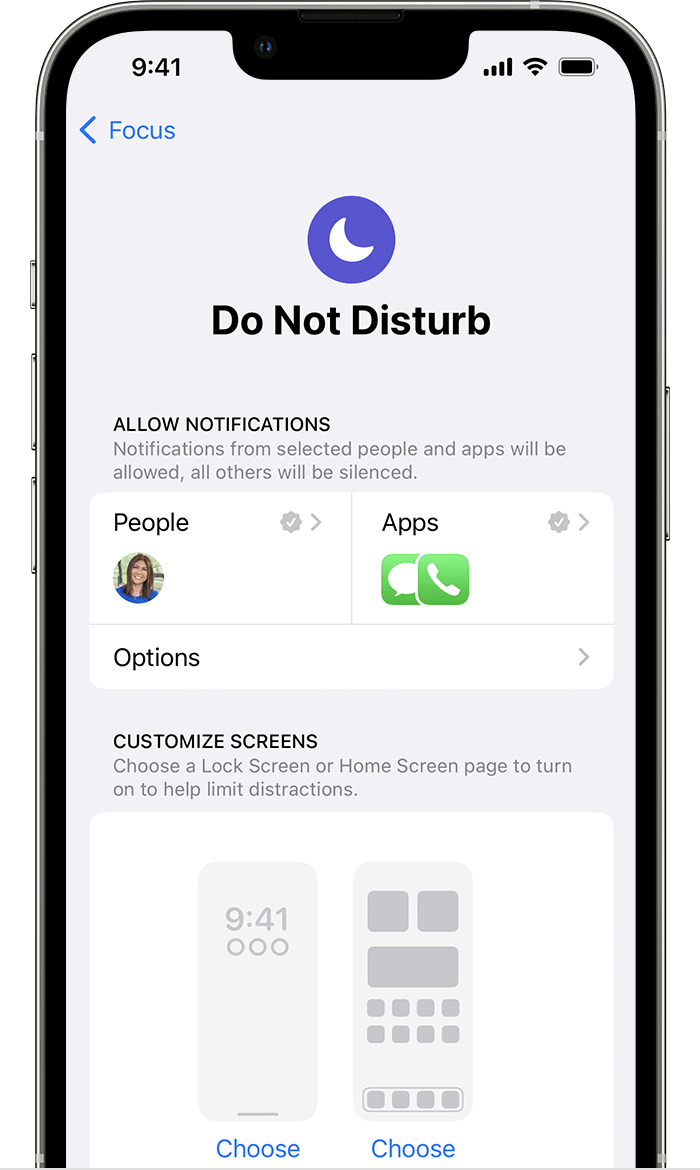
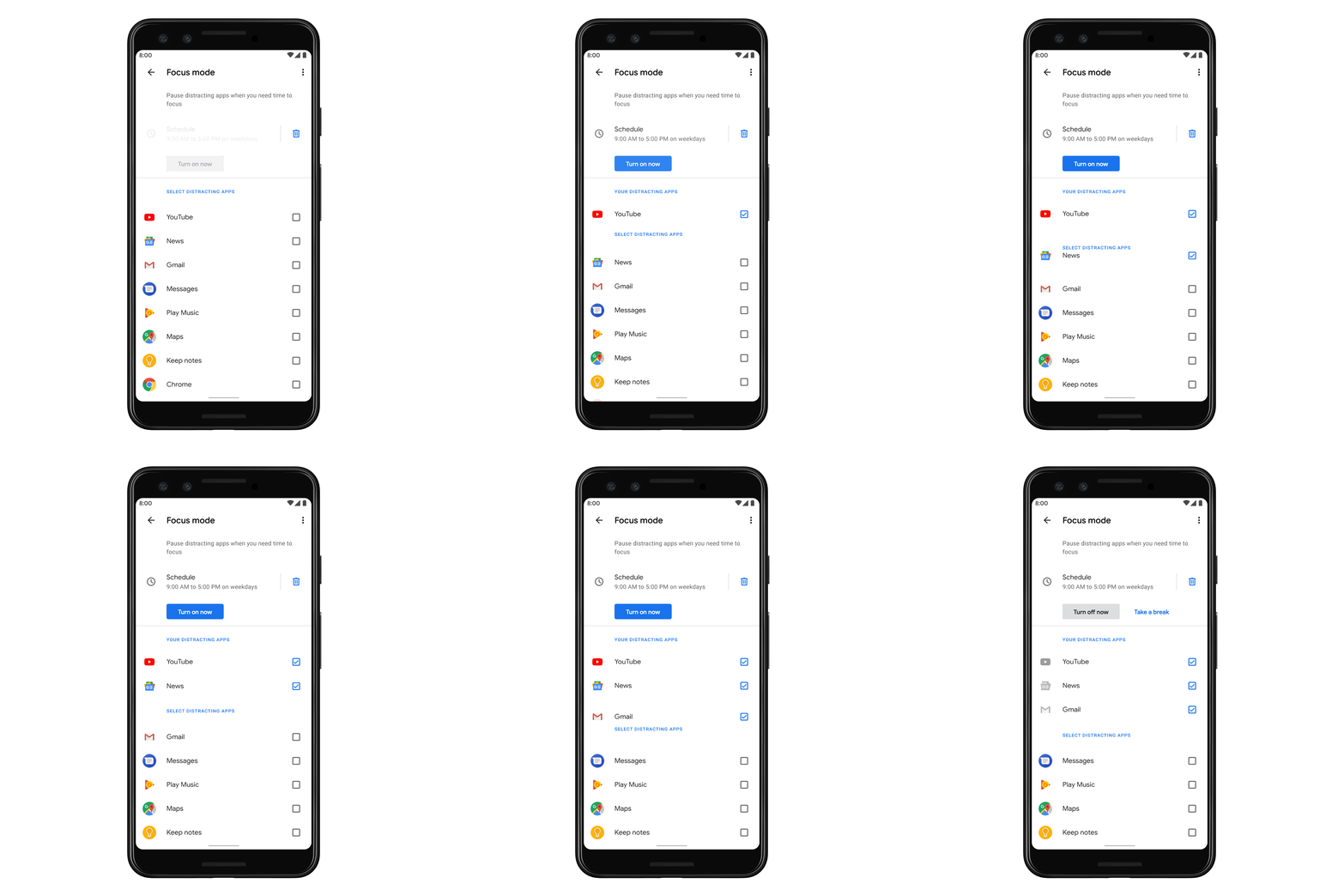

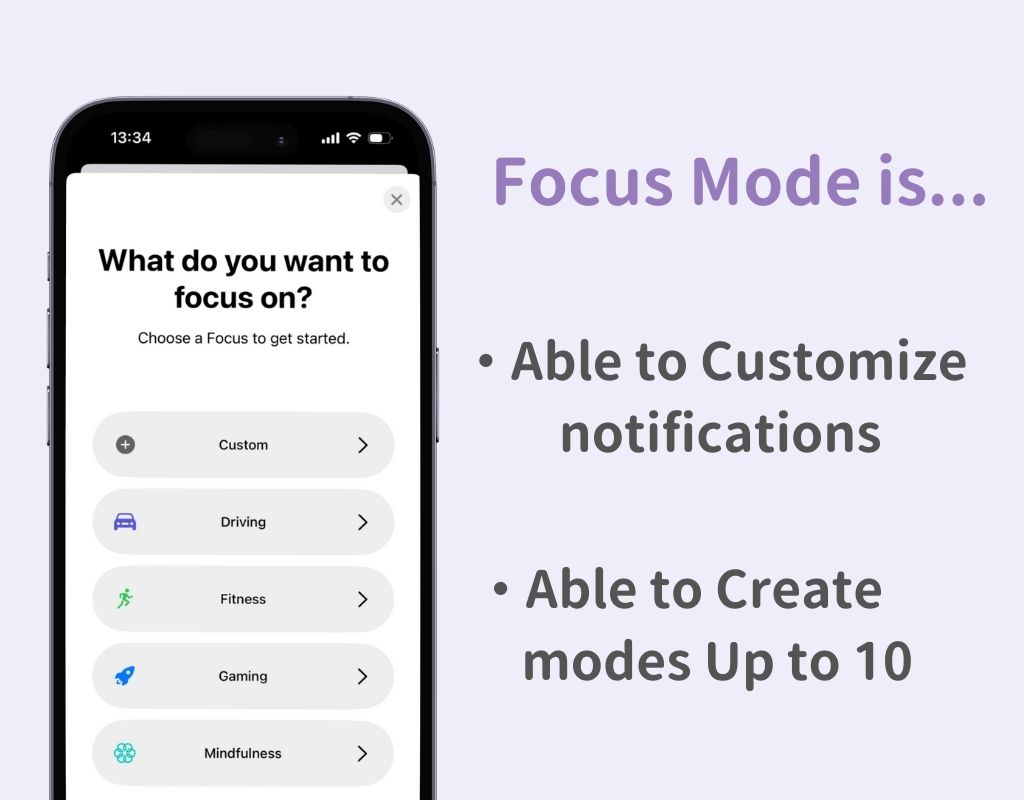
Filter notifications based on what you’re doing:
- Work
- Sleep
- Personal time
💡 Helps reduce distractions instantly.
📄 3. Scan Documents with Your Camera
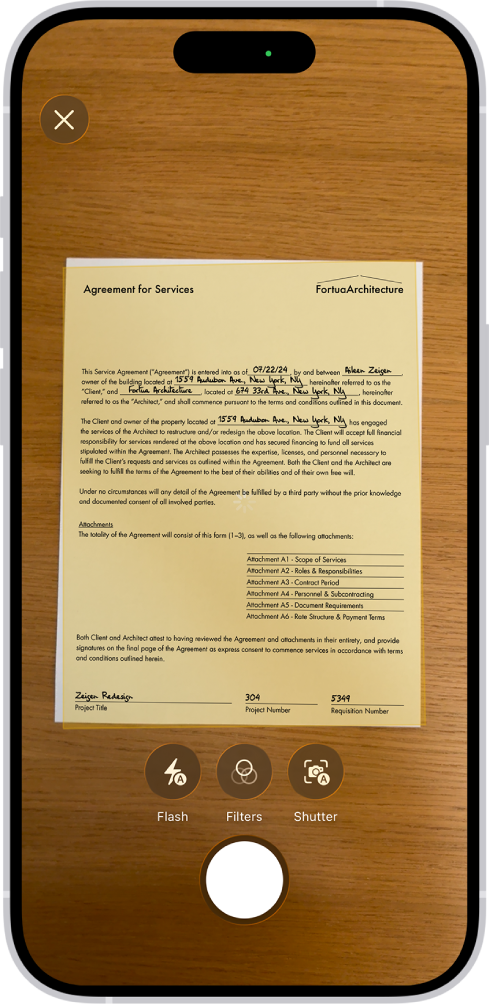
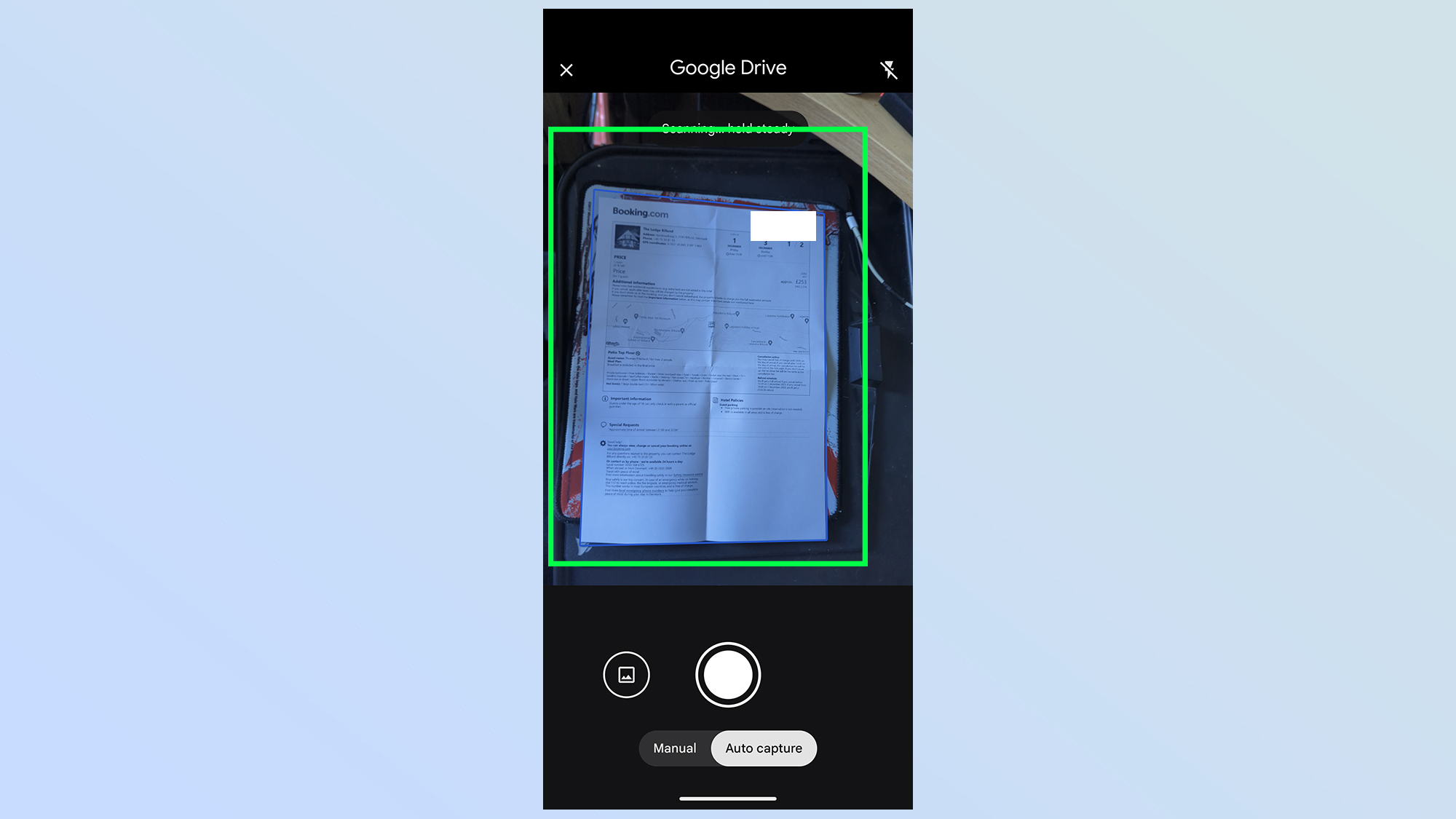
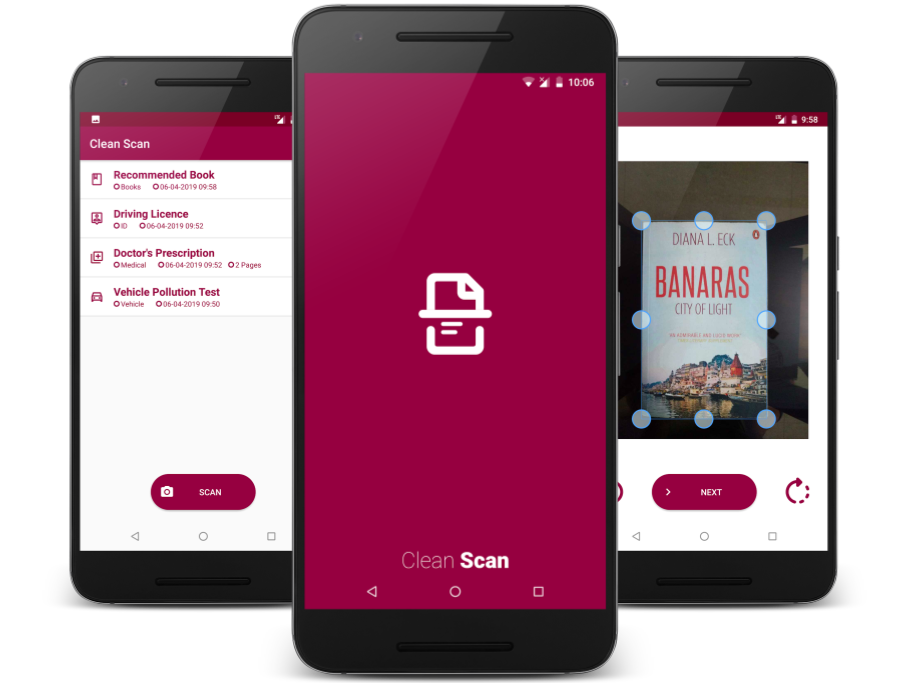

No scanner needed.
- Scan receipts
- Sign documents
- Save PDFs instantly
💡 Built into Notes (iPhone) or Google Drive (Android)
🔐 4. App Lock / Hidden Apps
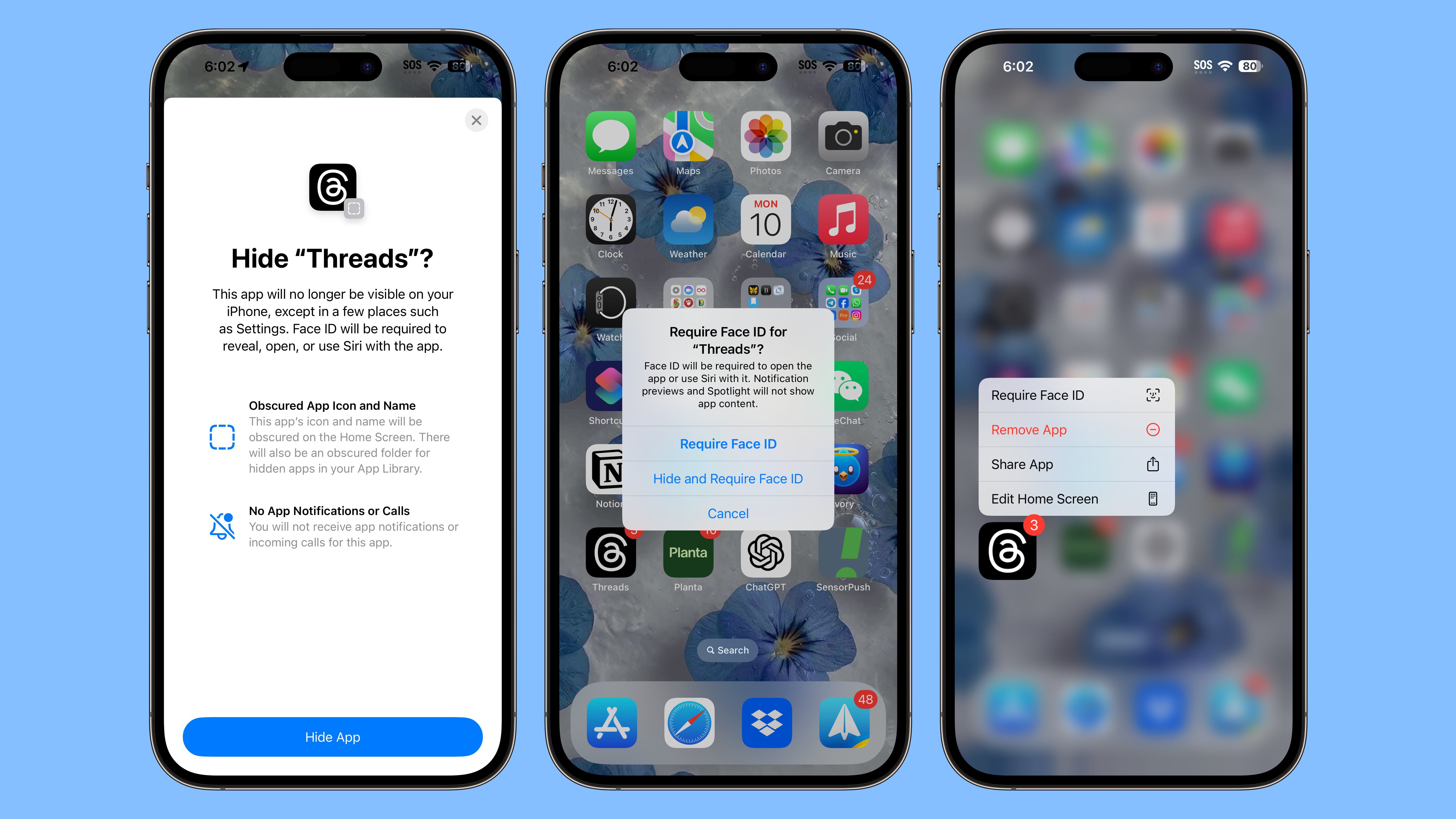

Protect sensitive apps like:
- Banking
- Notes
- Photos
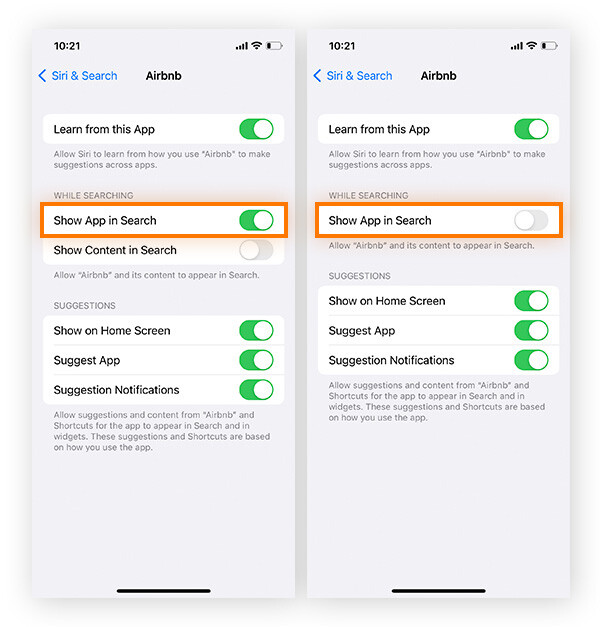
💡 Many phones also let you hide apps completely
🎤 5. Voice Typing (Faster Than Typing)
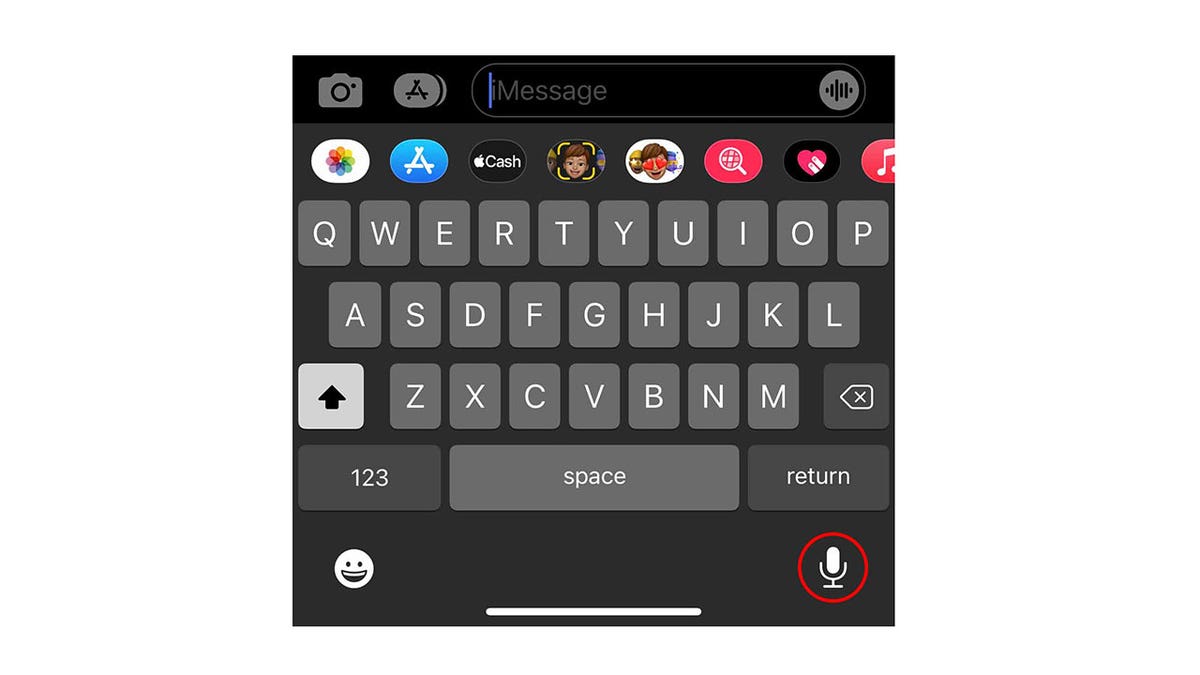
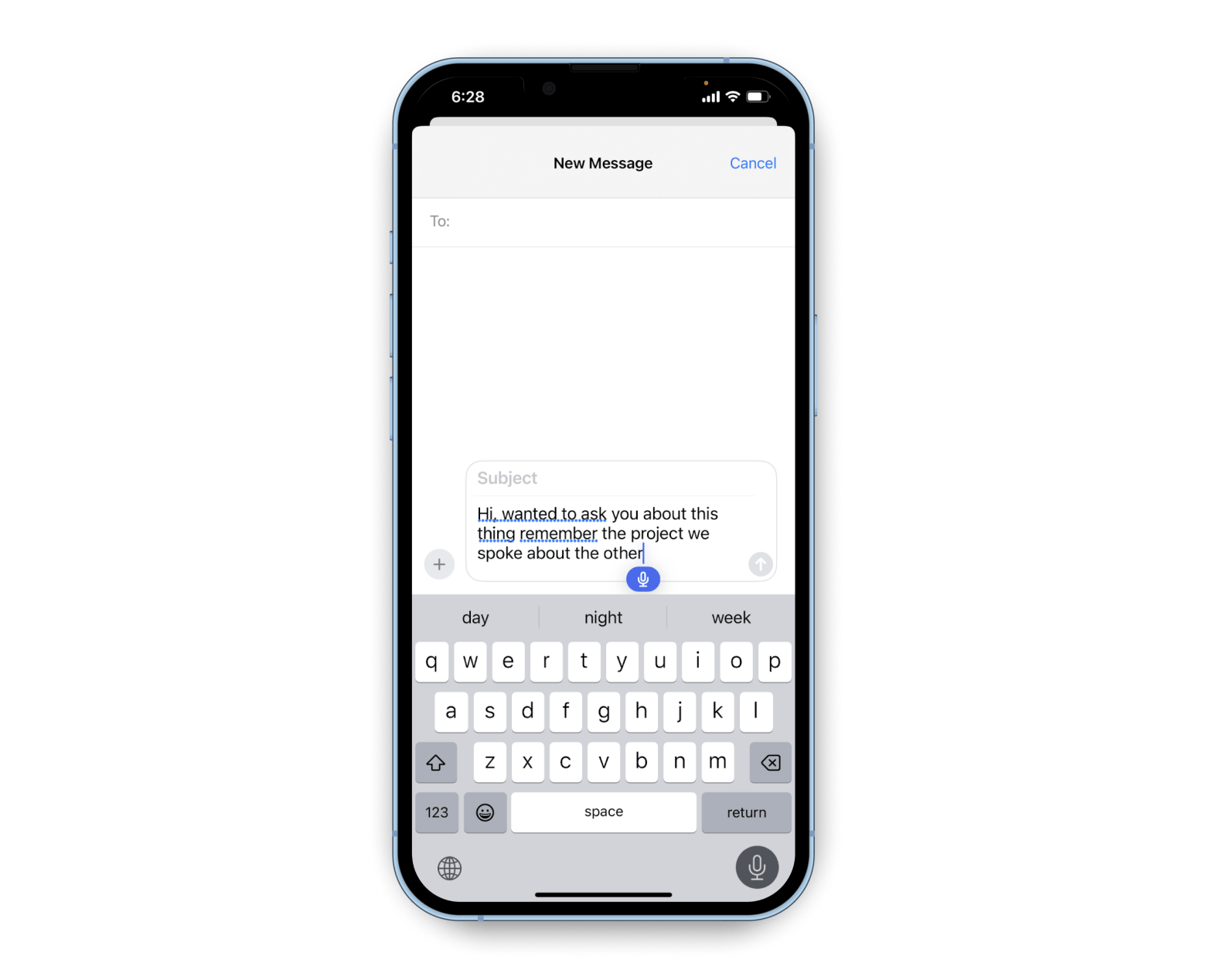
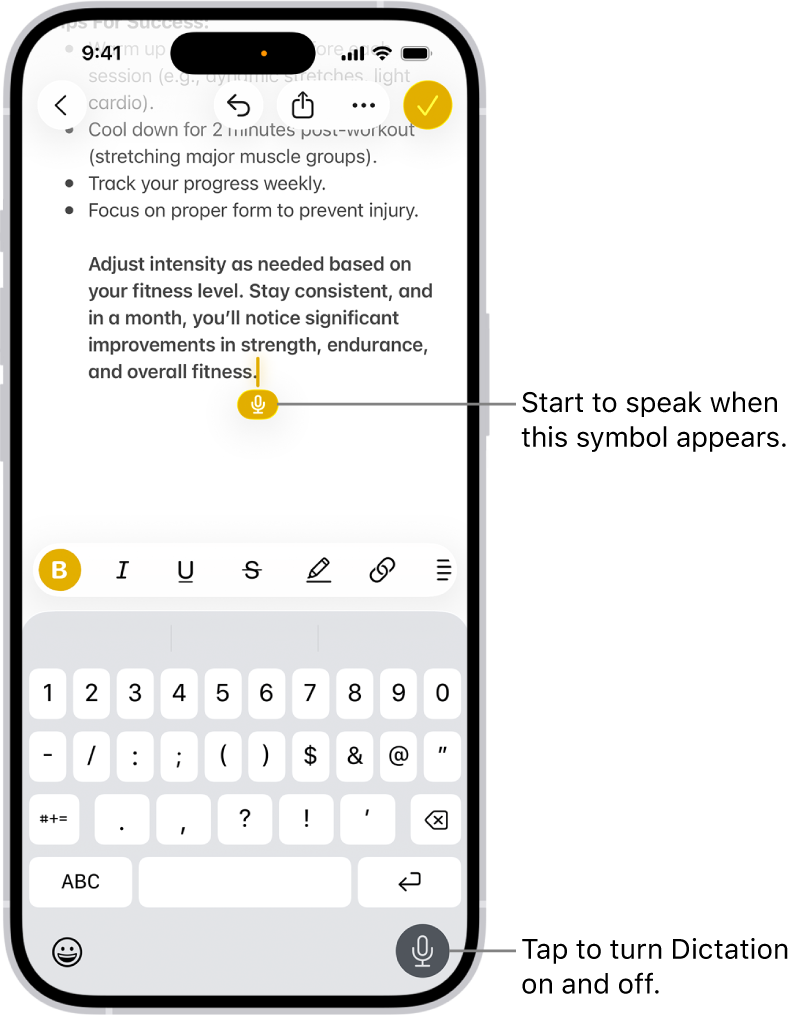
Speak instead of typing.
- Works for texts, emails, notes
- Surprisingly accurate
💡 Great for saving time daily
🌙 6. Night Shift / Blue Light Filter
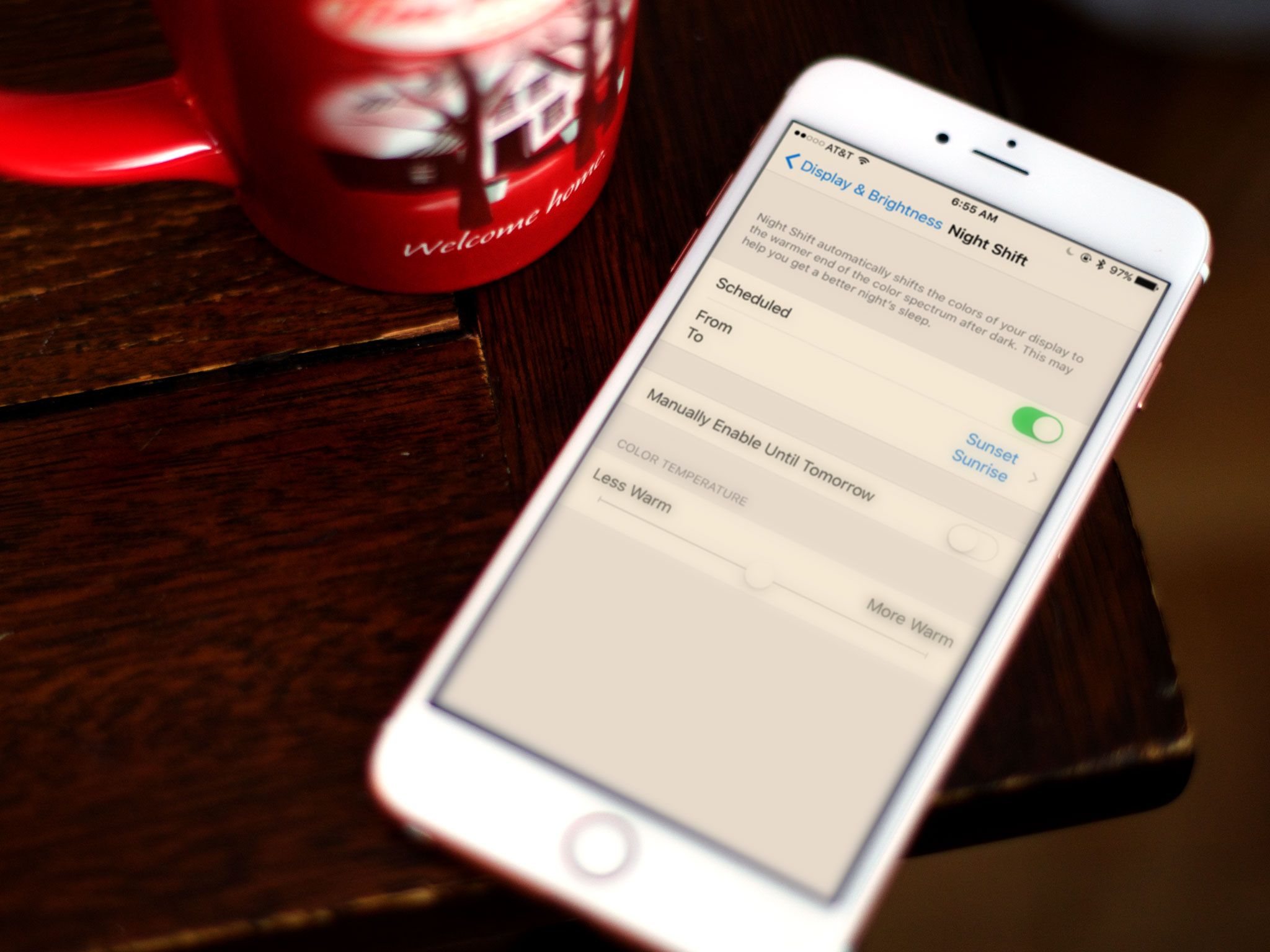


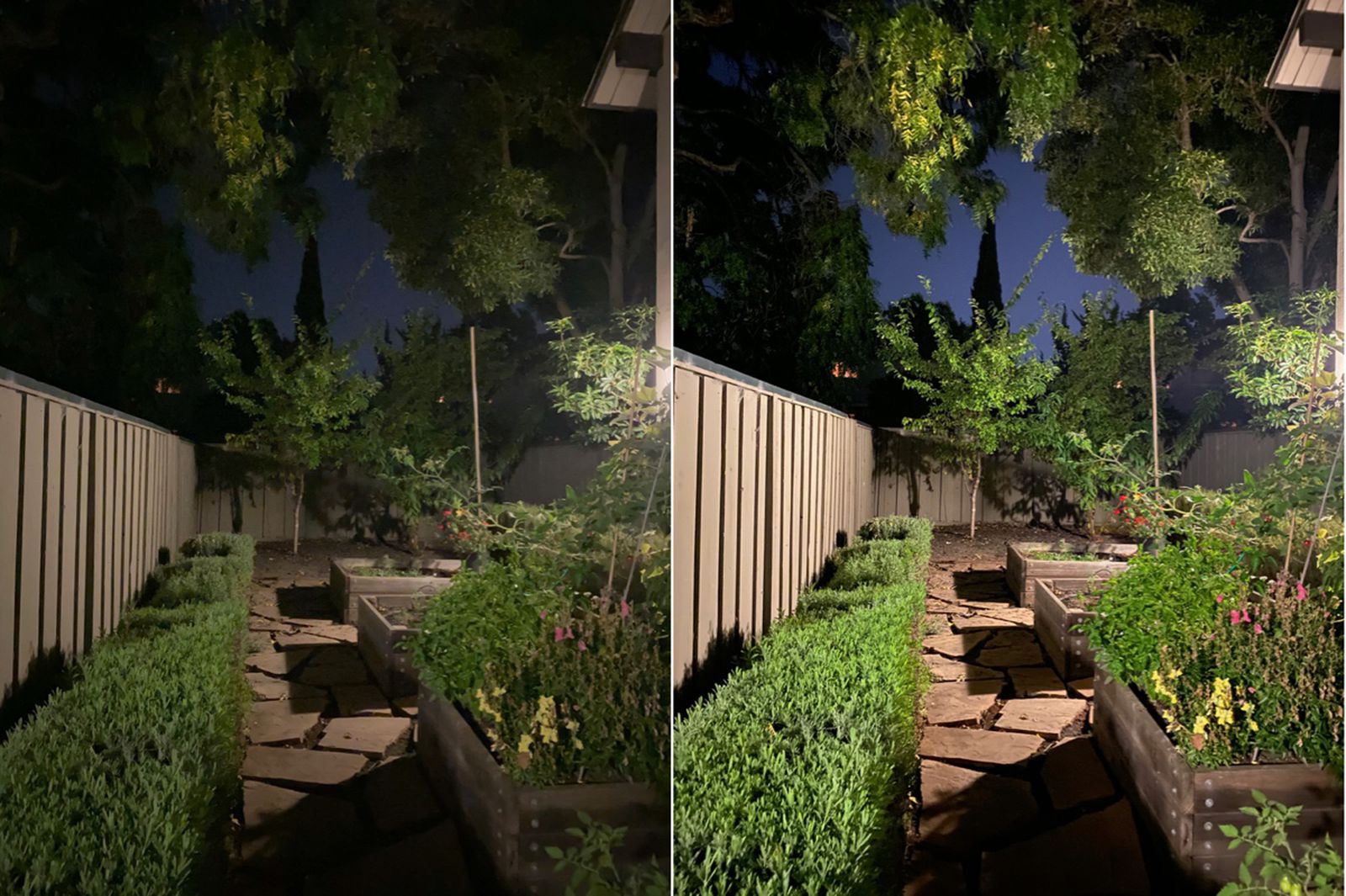
Reduces eye strain and helps with sleep.
📍 Automatically adjusts screen color at night
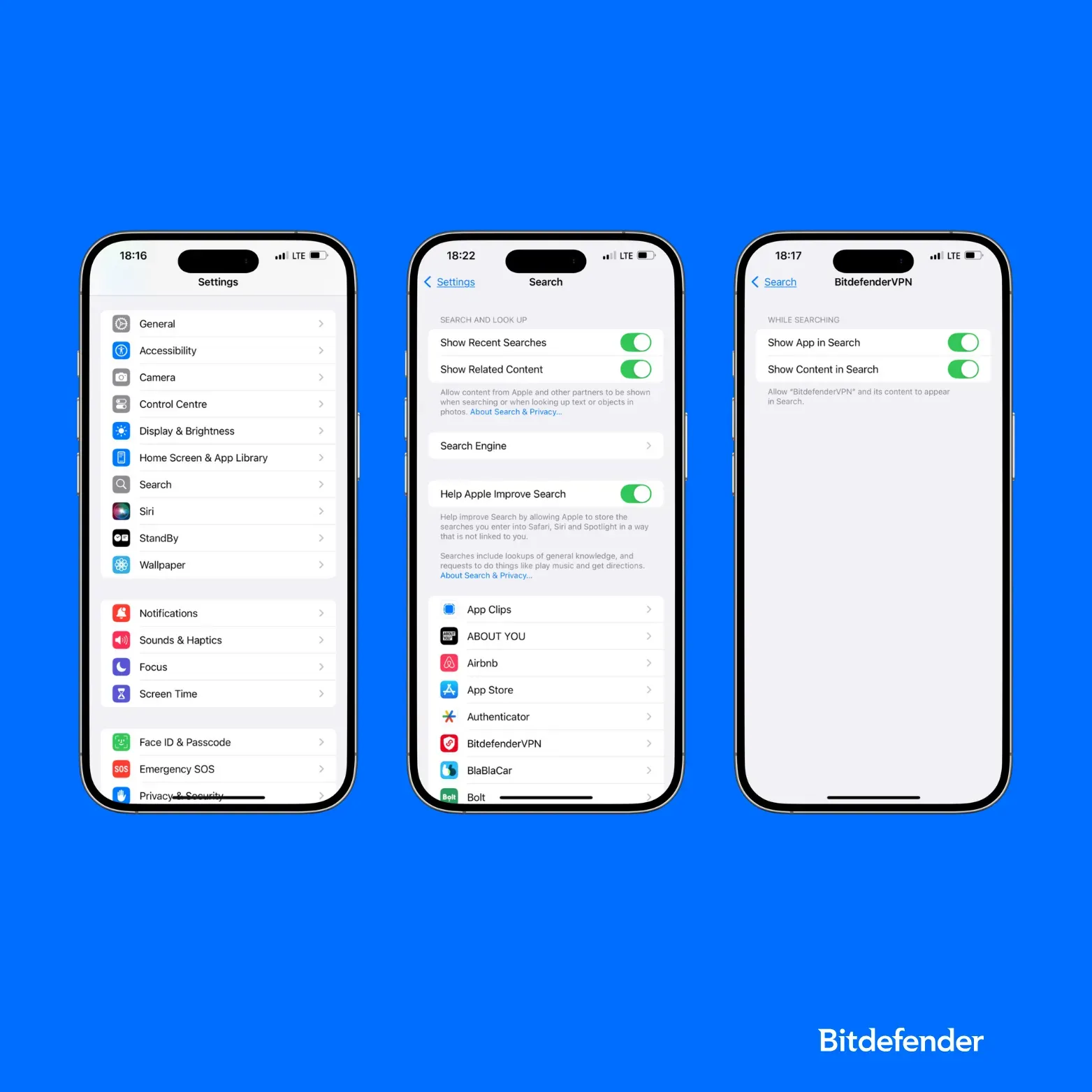
🔎 7. Search Anything on Your Phone Instantly

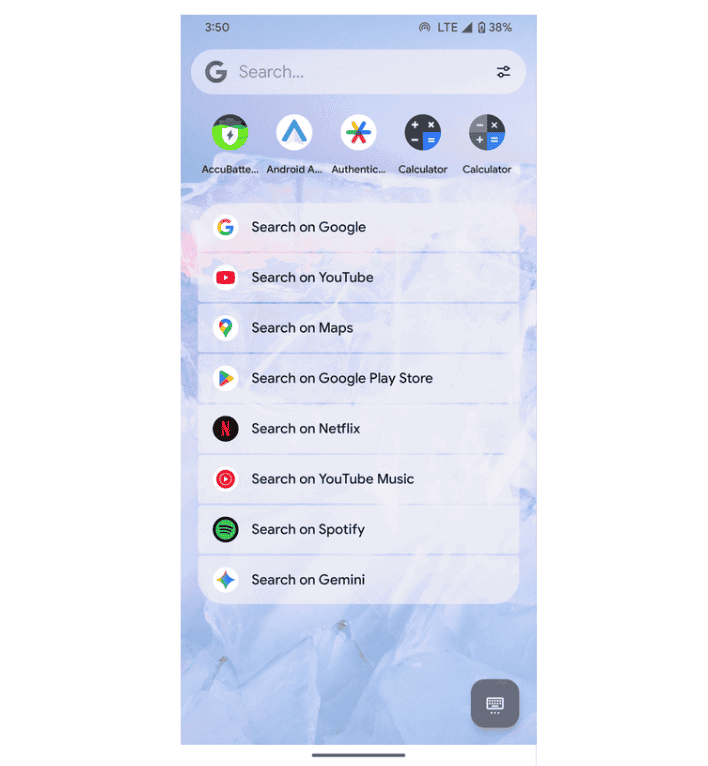


Use search to find:
- Apps
- Messages
- Files
- Contacts
💡 Faster than scrolling through apps
🔋 8. Battery Health & Optimization

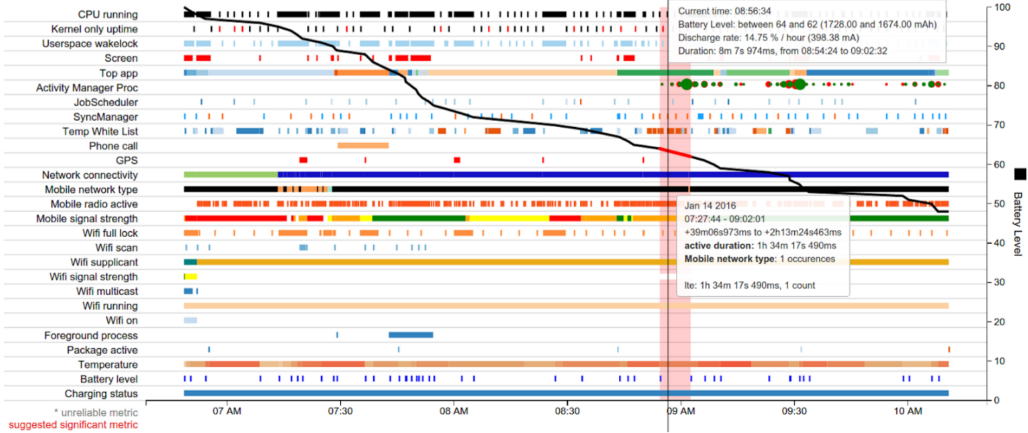
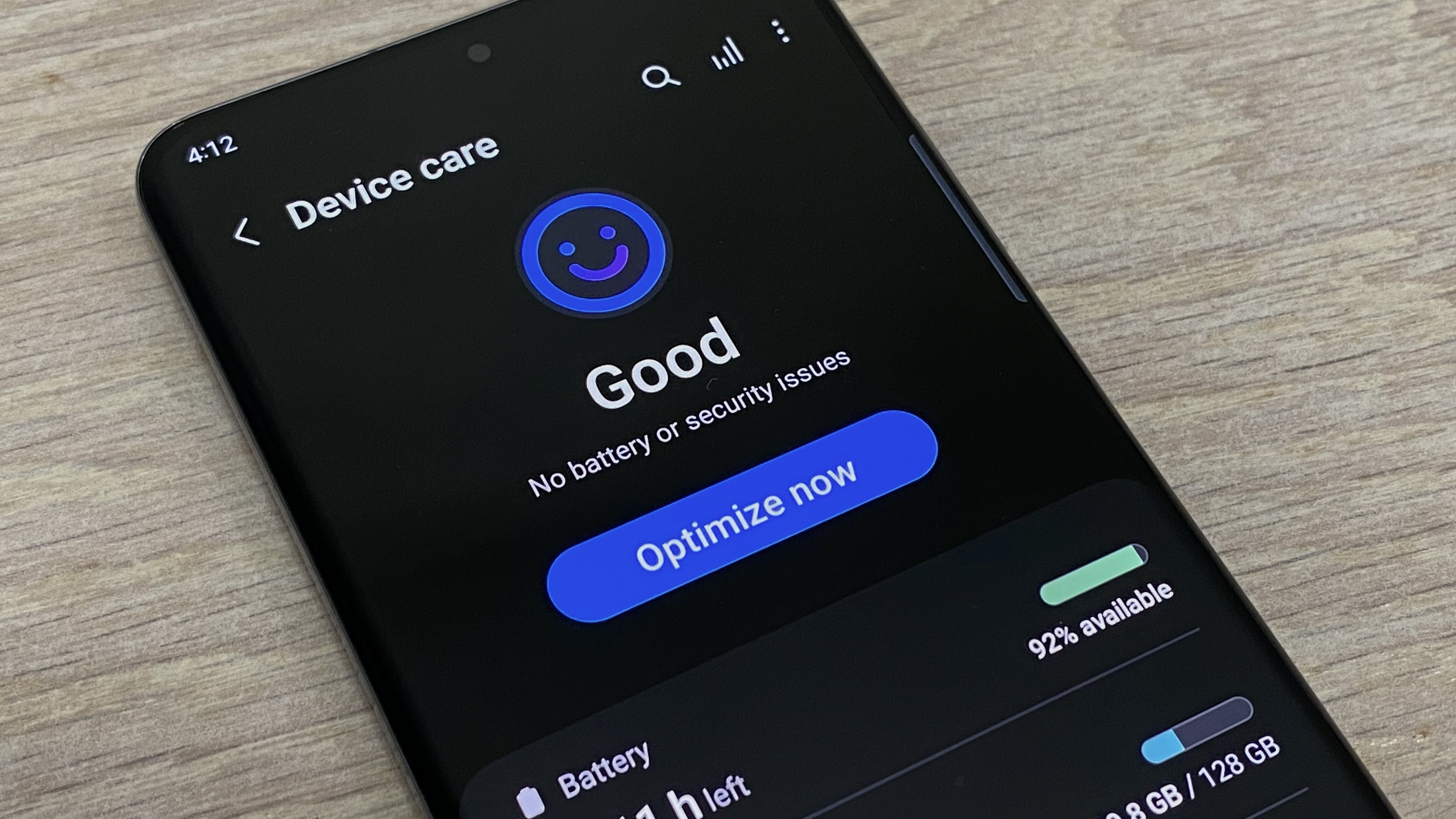
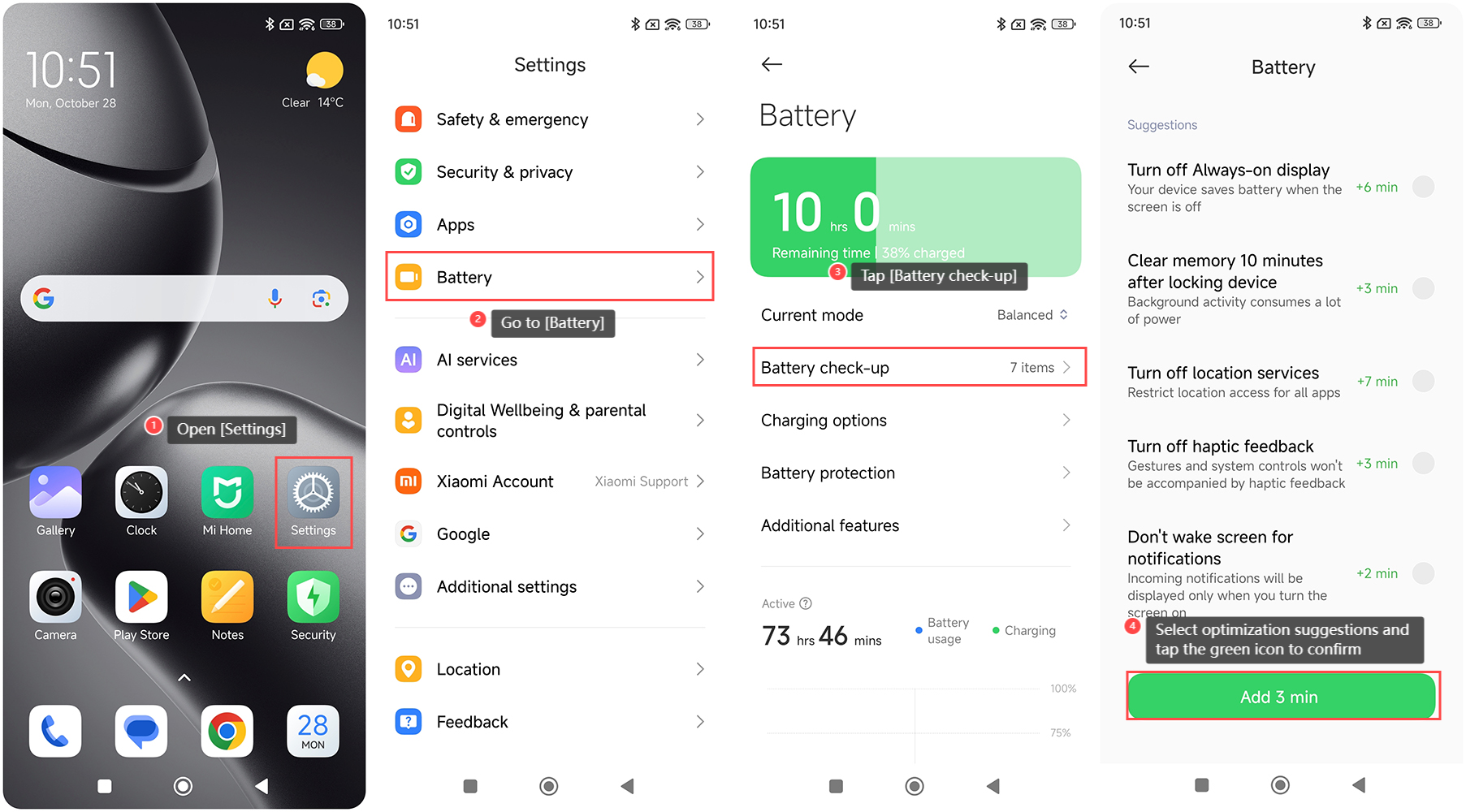
Check what’s draining your battery and fix it.
- Limit background apps
- Turn on battery saver
💡 Extends your phone’s lifespan
📍 9. Location Sharing for Safety
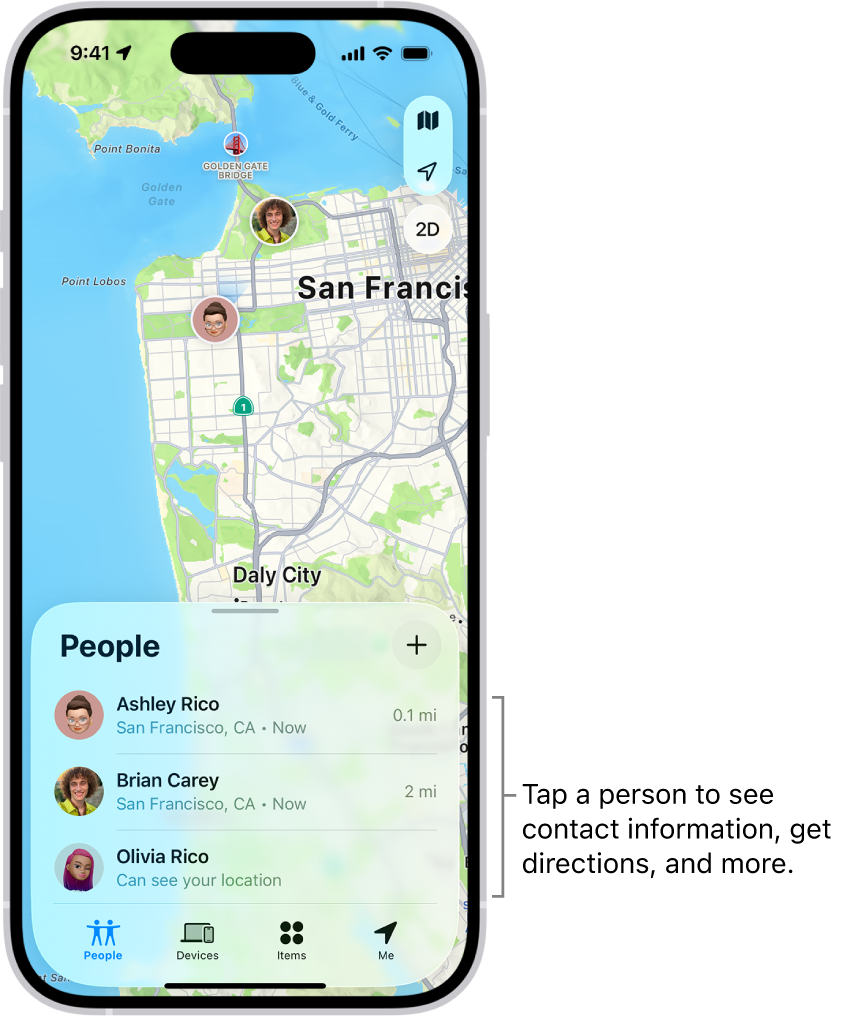
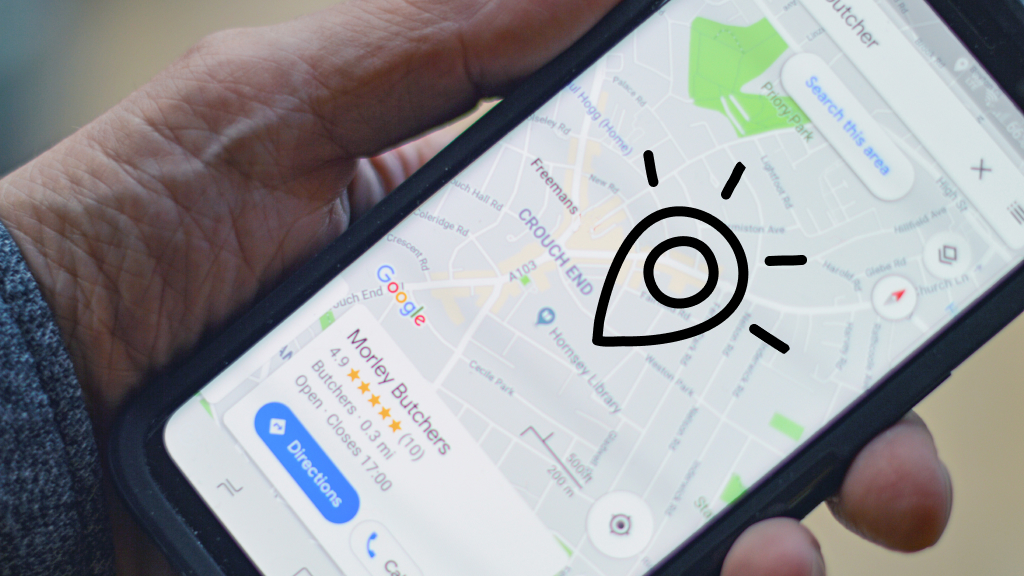


Share your live location with:
- Family
- Friends
💡 Useful for safety and meetups
🧠 10. Screen Time Tracking

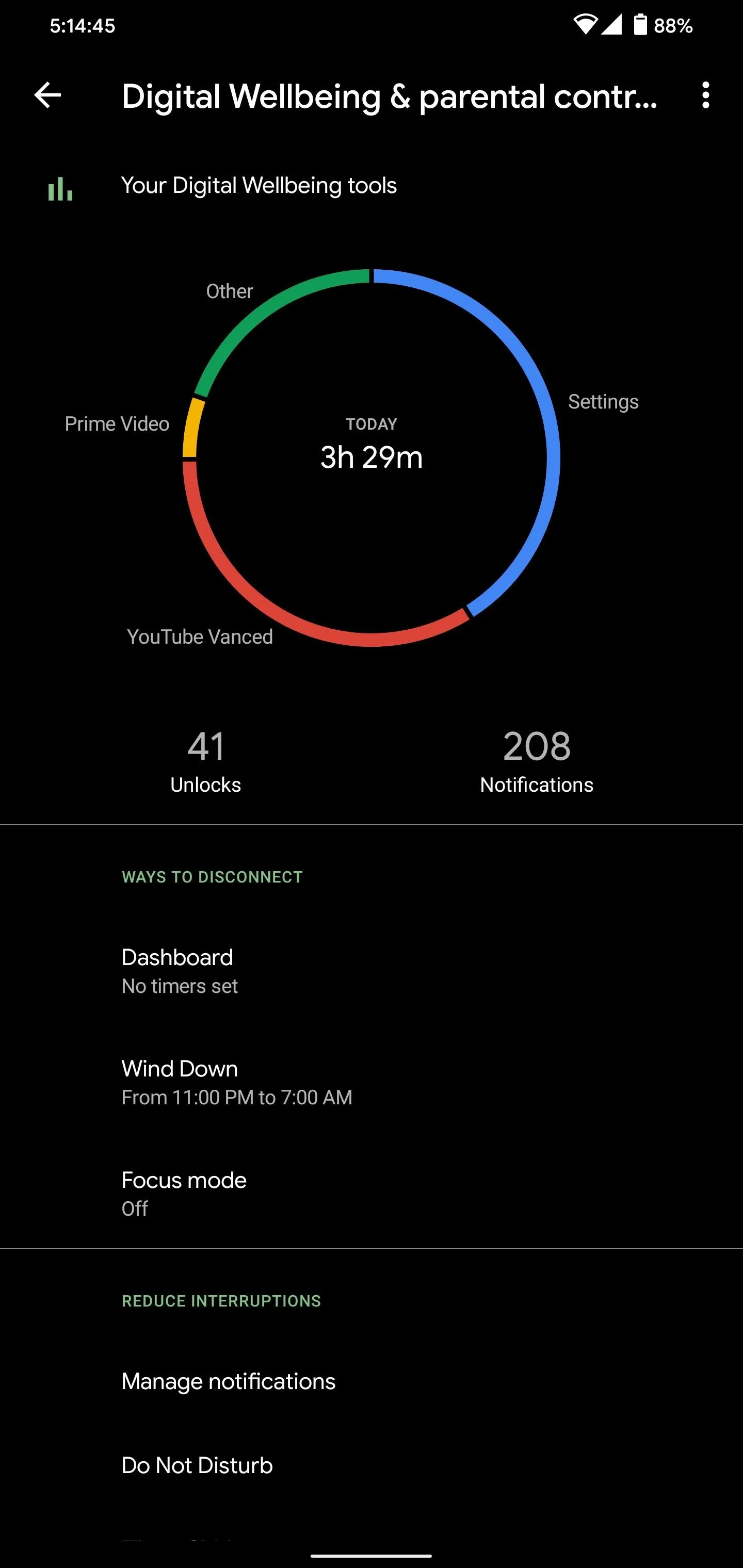
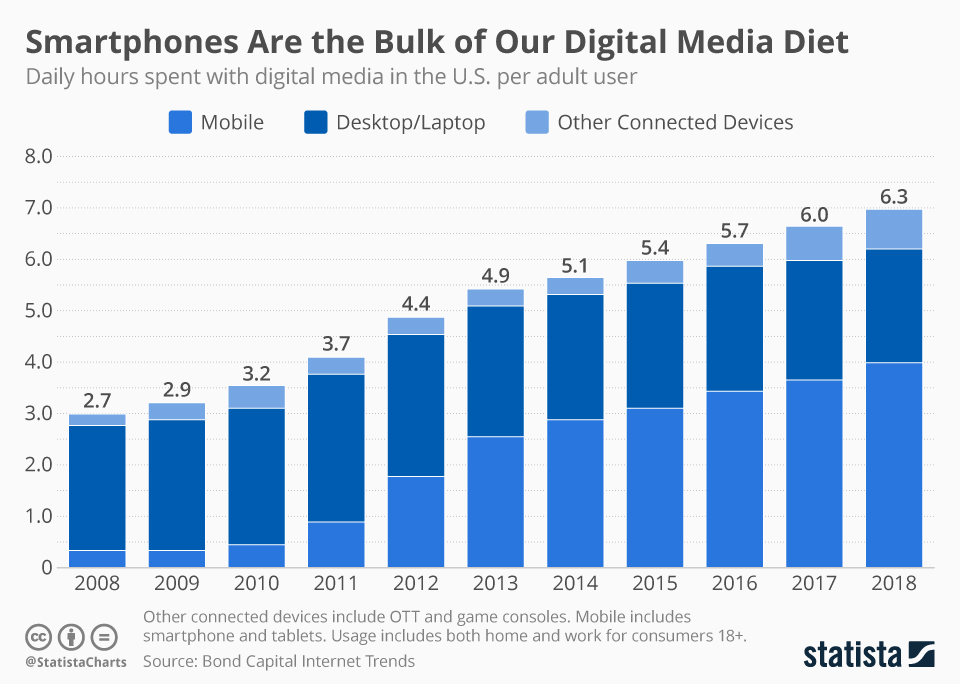

See exactly how you spend time on your phone.
- Set app limits
- Reduce wasted time
💡 Eye-opening for most people
⚡ FINAL THOUGHT
Your phone isn’t just a device — it’s a tool.
When you use it right, it can:
- Save you time
- Improve focus
- Protect your privacy
- Make daily life smoother
Most people never unlock this level.
Now you have.
Leave a Reply